Address
304 North Cardinal St.
Dorchester Center, MA 02124
Work Hours
Monday to Friday: 7AM - 7PM
Weekend: 10AM - 5PM
Address
304 North Cardinal St.
Dorchester Center, MA 02124
Work Hours
Monday to Friday: 7AM - 7PM
Weekend: 10AM - 5PM
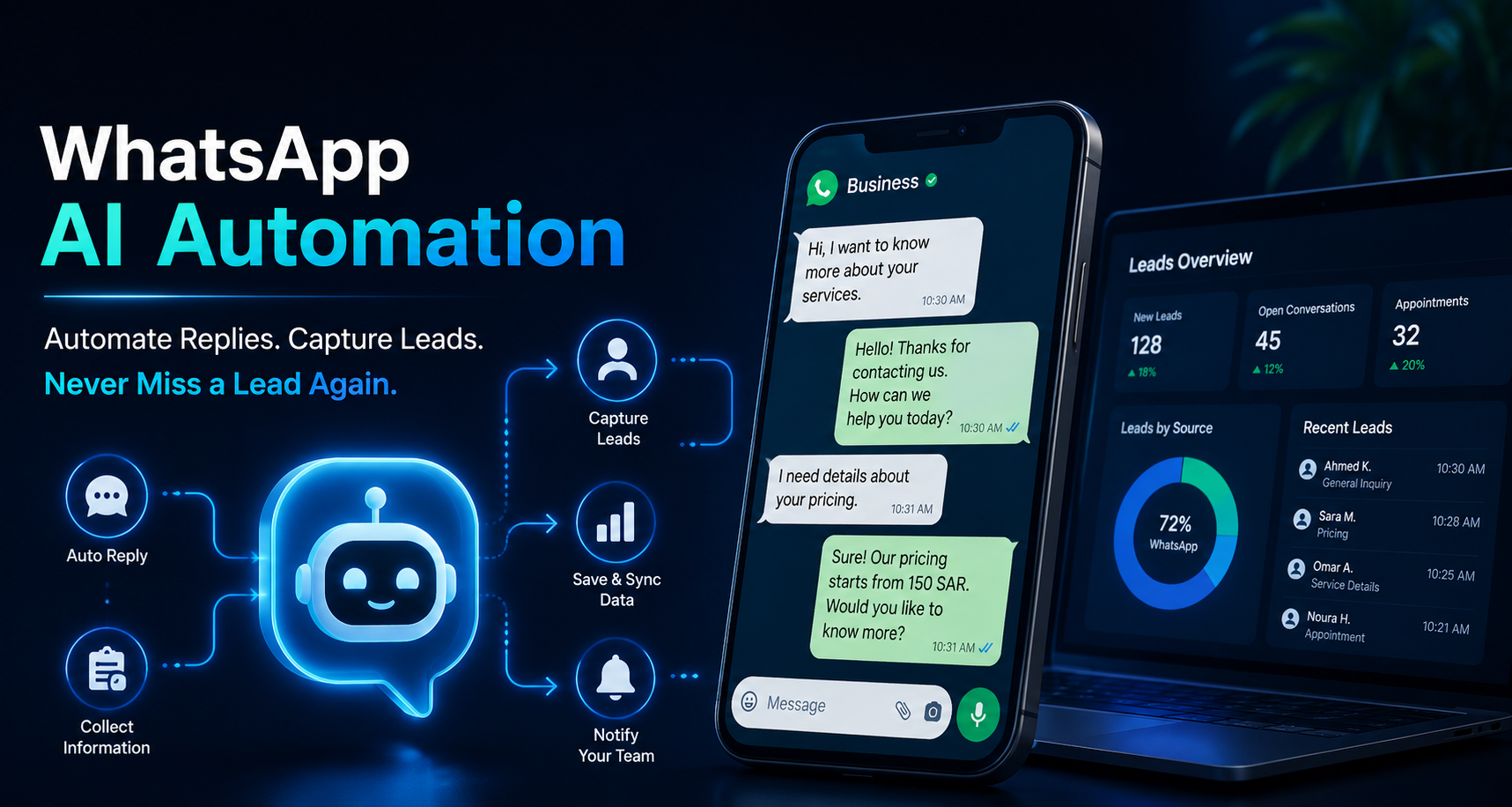
WhatsApp is one of the main places where customers contact businesses.
They ask about prices, appointments, services, delivery, location, availability, and booking details. For many businesses, WhatsApp is not just a messaging app. It is a sales channel.
But when all replies are handled manually, leads can easily be missed.
A customer may message your business while your team is busy. Another customer may ask a question after working hours. Someone may be ready to book, but no one replies quickly enough.
In many cases, the problem is not the team. The problem is the system.
Manual replies work when the message volume is low. But as your business grows, WhatsApp conversations become harder to manage.
Common problems include:
For example, a clinic may answer the same questions daily: prices, working hours, location, appointment times, and rescheduling.
A real estate company may receive repeated questions about unit prices, payment plans, locations, and viewing appointments.
When these replies depend only on manual work, delays happen. And when replies are delayed, leads may go to another business.
WhatsApp AI automation allows your business to reply automatically to common customer questions.
The AI assistant can answer based on your approved business information, such as:
It can also collect customer details and save them in an organized system.
For example, it can ask:
“What service are you interested in?”
“What is your preferred appointment time?”
“Can I have your name and phone number?”
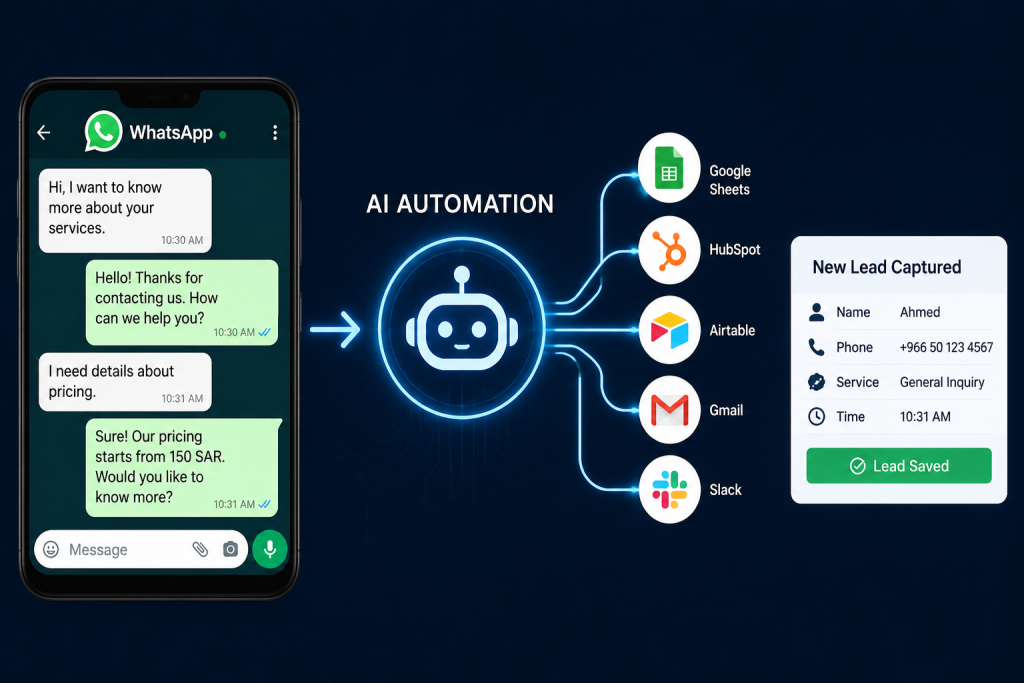
Then the automation can send this information to Google Sheets, HubSpot, Airtable, Gmail, Slack, or your CRM.
This helps your team focus on serious leads instead of repeating the same answers all day.
Imagine a dental clinic receiving many WhatsApp messages every day.
Without automation, the receptionist must answer every question manually.
With WhatsApp AI automation, the system can:
So the customer gets a faster reply, and the clinic gets a clear record of every interested lead.
A basic workflow can look like this:
This workflow can be built using tools like Make.com, OpenAI, WhatsApp Business API, Google Sheets, HubSpot, Airtable, Slack, Gmail, or WordPress.
The setup does not need to be complicated. The goal is to make your customer communication faster and more organized.
AI needs accurate business information. If your prices, services, FAQs, and policies are unclear, the replies will be weak.
Some conversations need a human. Complaints, urgent cases, custom pricing, and sensitive issues should be sent to your team.
Replying fast is not enough. If customer details are not saved, your team may still lose follow-up opportunities.
Customers should feel they are talking to a helpful business, not a cold machine. The tone should be clear, polite, and professional.
WhatsApp AI automation can help your business:
It is useful for clinics, real estate companies, online stores, training centers, consultants, agencies, and service businesses.
If your business receives important WhatsApp messages every day, slow replies can cost you opportunities.
WhatsApp AI automation helps you respond faster, collect lead details, and organize customer conversations in one clear workflow.
If you want to automate customer support, organize leads, or build a smarter workflow for your business, contact dataanalysiz.com and tell us what you want to improve.
Yes. AI can reply to common WhatsApp questions using your business information, FAQs, services, prices, and policies.
Yes. It can collect names, phone numbers, service interests, appointment requests, and other details, then save them in a sheet or CRM.
No. AI supports your team by handling repetitive questions and sending important conversations to a human when needed.
Common tools include Make.com, OpenAI, WhatsApp Business API, Google Sheets, HubSpot, Airtable, Slack, Gmail, and WordPress.
Clinics, real estate companies, online stores, consultants, training centers, agencies, and service providers can all benefit from it.
