Address
304 North Cardinal St.
Dorchester Center, MA 02124
Work Hours
Monday to Friday: 7AM - 7PM
Weekend: 10AM - 5PM
Address
304 North Cardinal St.
Dorchester Center, MA 02124
Work Hours
Monday to Friday: 7AM - 7PM
Weekend: 10AM - 5PM
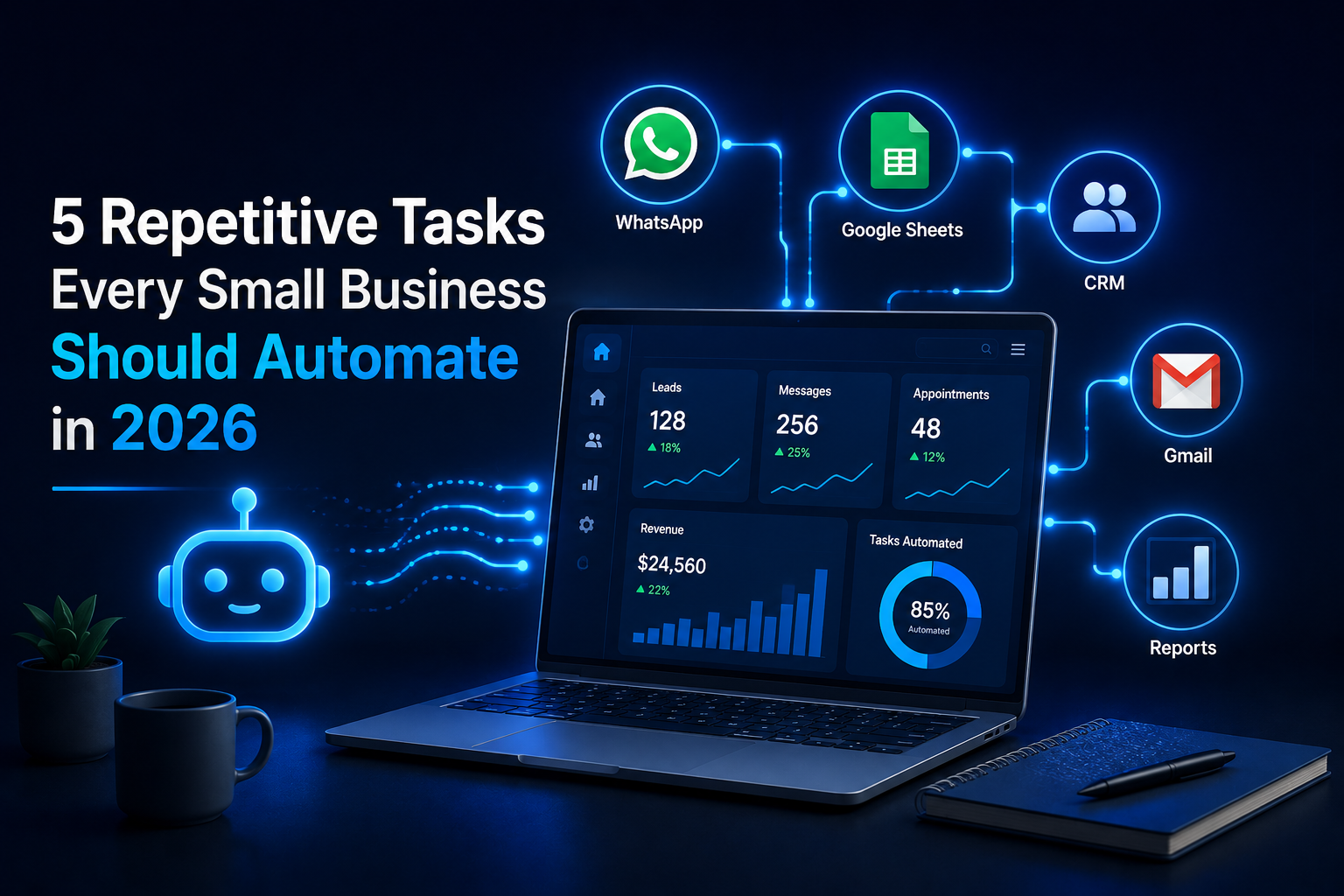
Many small businesses lose time every day due to repetitive manual work.
Answering the same questions. Copying customer details into Google Sheets. Sending follow-up messages. Checking emails. Preparing reports.
These tasks may look small, but they slow the business down when they happen every day.
In 2026, small business automation is not only for large companies. Small businesses can now use simple tools like Make.com, OpenAI, Google Sheets, HubSpot, Airtable, Gmail, Slack, WhatsApp API, and WordPress to organize daily work and reduce pressure on the team.
Manual work creates delays.
A customer may wait too long for a reply. A lead may be forgotten. A staff member may enter the wrong phone number. A business owner may spend hours preparing a report that could be updated automatically.
The problem is not always the people. The problem is often the system.
Automation helps your business create a clear process that works the same way every time.
Most businesses answer the same questions every day.
Customers ask about prices, services, location, working hours, delivery, booking, and policies.
Instead of replying manually every time, an AI customer support system can answer common questions automatically using your approved business information.
This is useful for clinics, online stores, consultants, real estate companies, training centers, and service providers.
Many leads are lost because customer details are not saved properly.
A customer may send a message on WhatsApp, fill out a website form, or ask about a service on Facebook. If the details stay only inside the chat, your team may forget to follow up.
Automation can collect the following:
Then the system can save the lead in Google Sheets, HubSpot, or Airtable.
Not every customer buys immediately.
Some people ask today and decide later. If your business does not follow up, you may lose them.
Automation can create reminders or send follow-up messages after a specific time.
For example, if someone asks about a course, the system can save the inquiry and remind your team to follow up the next day.
This keeps leads organized without depending only on memory.
Many small businesses still copy information from WhatsApp, forms, emails, and orders into spreadsheets manually.
This wastes time and creates mistakes.
With small business automation, customer data can move automatically from one tool to another.
For example:
A customer fills out a WordPress form.
The system adds the details to Google Sheets.
The team receives a Gmail or Slack notification.
The lead status is updated automatically.
This makes your data cleaner and easier to manage.
Business owners need clear information.
But when data is scattered across WhatsApp, email, sheets, and CRM tools, it becomes hard to see what is really happening.
Automation can help update reports and dashboards automatically.
A simple dashboard can show:
This helps you make better decisions without waiting for manual reports.
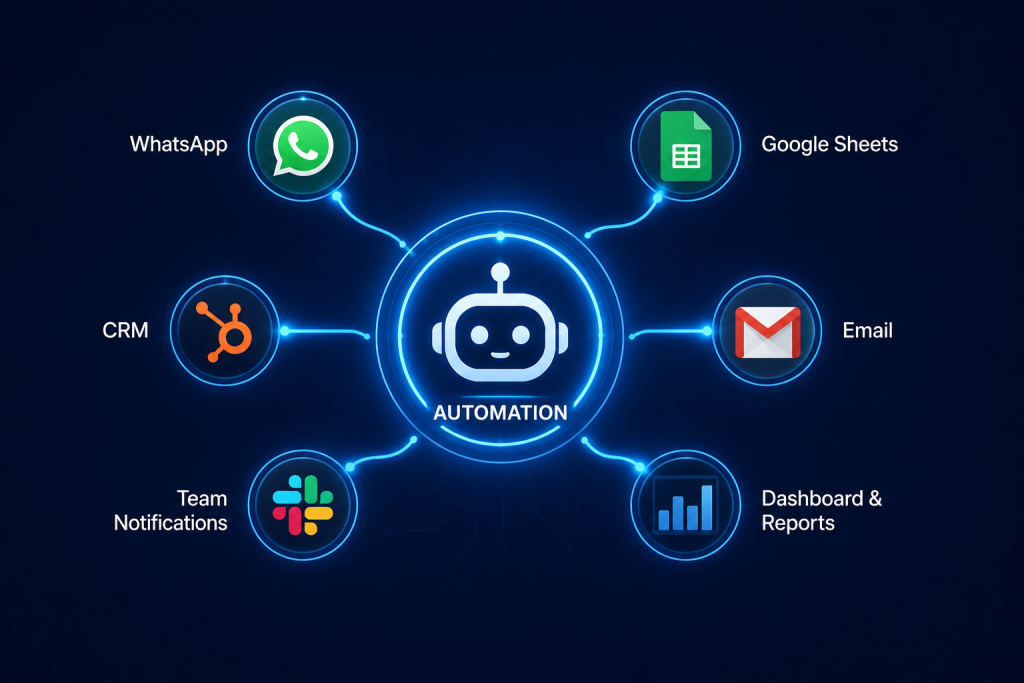
A basic small business automation workflow can look like this:
This type of workflow can save time and reduce daily confusion.
Before automation, you need to know what should happen when a new lead arrives.
Where should the data go?
Who should be notified?
When should follow-up happen?
Start with one task.
Choose the task your team repeats every day. After that, the system works well, you can add more automation.
AI should use your real business information, not random answers. Your FAQs, services, prices, tone, and policies must be clear.
Small business automation can help you:
In 2026, small businesses need better systems, not more manual work.
Customer replies, lead collection, follow-ups, data entry, and reports are all tasks that can be automated.
Start with the task that wastes the most time in your business.
If you want to automate customer support, organize leads, or build a smarter workflow for your business, contact dataanalysiz.com and tell us what you want to improve.
Small business automation means using tools to handle repeated tasks automatically, such as replies, lead collection, data entry, and reports.
Start with the task your team repeats most often, such as customer questions, lead collection, or follow-up messages.
No. Automation supports employees by reducing repetitive work so they can focus on customers and sales.
Useful tools include Make.com, OpenAI, Google Sheets, HubSpot, Airtable, Slack, Gmail, WhatsApp API, and WordPress.
Yes. Even a small business can benefit if it receives repeated messages, leads, orders, or appointment requests.
