Address
304 North Cardinal St.
Dorchester Center, MA 02124
Work Hours
Monday to Friday: 7AM - 7PM
Weekend: 10AM - 5PM
Address
304 North Cardinal St.
Dorchester Center, MA 02124
Work Hours
Monday to Friday: 7AM - 7PM
Weekend: 10AM - 5PM
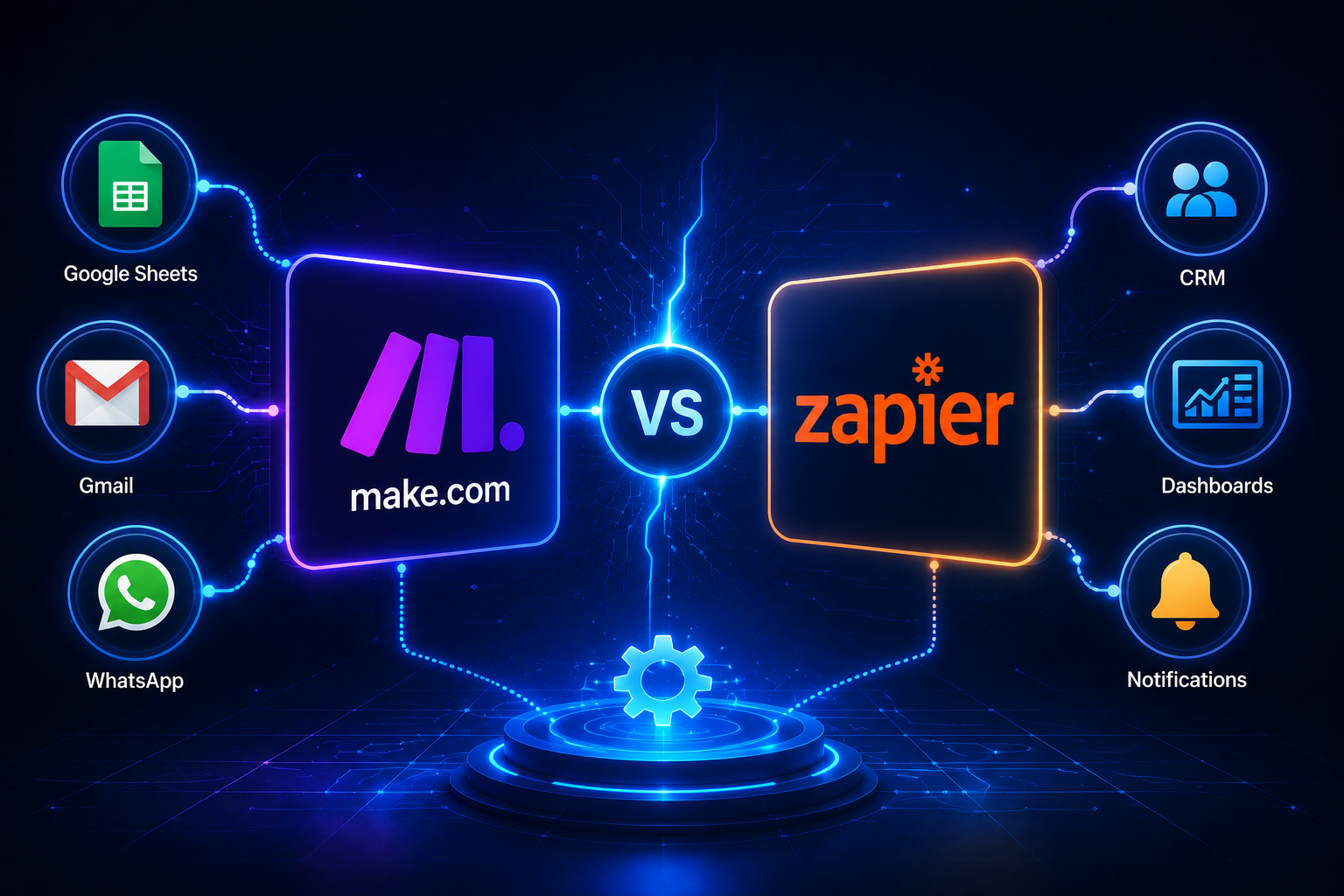
Make.com vs Zapier is one of the first comparisons small business owners face when they start thinking about automation.
Both tools help businesses connect apps and automate repetitive tasks. You can use them to connect forms, Google Sheets, Gmail, CRM systems, Slack, WhatsApp tools, WordPress, and other business apps.
But they are not the same.
Zapier is often easier for simple automations. Make.com is usually stronger when the workflow needs more logic, conditions, and control.
Make.com and Zapier are automation platforms.
They help you build workflows like:
Zapier describes itself as an automation platform for AI workflows, agents, and apps across 9,000+ apps. Make.com describes its platform as a visual way to build, scale, and automate AI and agentic workflows across 3,000+ apps.
For small businesses, both tools can save time. The better choice depends on how simple or complex your workflow is.
Zapier is a good option when you want quick and simple automations.
It may be better if you need to:
For example, if someone fills out a website form and you want to send the details to Gmail and Google Sheets, Zapier can handle this easily.
Zapier is useful when the process is clear, short, and does not need many conditions.
Make.com is often better when the workflow has more steps.
It gives you a visual canvas where you can see how the automation moves from one step to another. This is helpful when your business process includes different routes, filters, conditions, and AI steps.
Make.com can be useful for:
For example, a customer sends a WhatsApp message. AI checks the message. If it is a sales enquiry, the lead goes to the CRM. If it is a support question, the system sends a reply. If it is urgent, the team gets notified.
This type of workflow is usually easier to manage visually in Make.com.

Imagine a service business receives leads from a WordPress contact form.
With Zapier, you can create a simple workflow:
Form submission → Google Sheets → Gmail notification
This is simple and useful.
But if the business needs a more advanced process, Make.com may be better:
Form submission → Check service type → Save lead → Add to CRM → Notify sales team → Send AI reply → Create follow-up reminder → Update dashboard
This is where Make.com becomes more powerful.
The tool is not the first step.
Before choosing Make.com or Zapier, your business should know:
Once the process is clear, choosing the tool becomes easier.
Start with one workflow.
For example, automate lead collection first. After that works well, you can automate follow-up, customer replies, reports, or dashboards.
Automation should be monitored.
You still need to check if data is saved correctly, replies are clear, and notifications reach the right person.
If your business needs simple automations, Zapier is a strong choice.
If your business needs more advanced workflows with AI, conditions, lead routing, WhatsApp automation, CRM updates, and dashboards, Make.com is usually the better option.
The best tool is the one that matches your business process.
If you want to automate customer support, organize leads, or build a smarter workflow for your business, contact dataanalysiz.com and tell us what you want to improve.
Zapier is usually simpler for quick automations. Make.com gives more visual control for multi-step workflows with logic and conditions.
Yes, Zapier is often easier for simple workflows. Make.com may take more learning, but it gives more flexibility.
Make.com is strong for visual AI workflows, especially when the process includes different routes, data steps, and human handoff.
Yes. A business can use Zapier for simple tasks and Make.com for more advanced systems.
Start with the tool that fits your workflow. Use Zapier for simple tasks. Use Make.com if you need more control, conditions, and a complete automation system.
